
🌿 BLN Veg Modifier
🔽 Get it Now
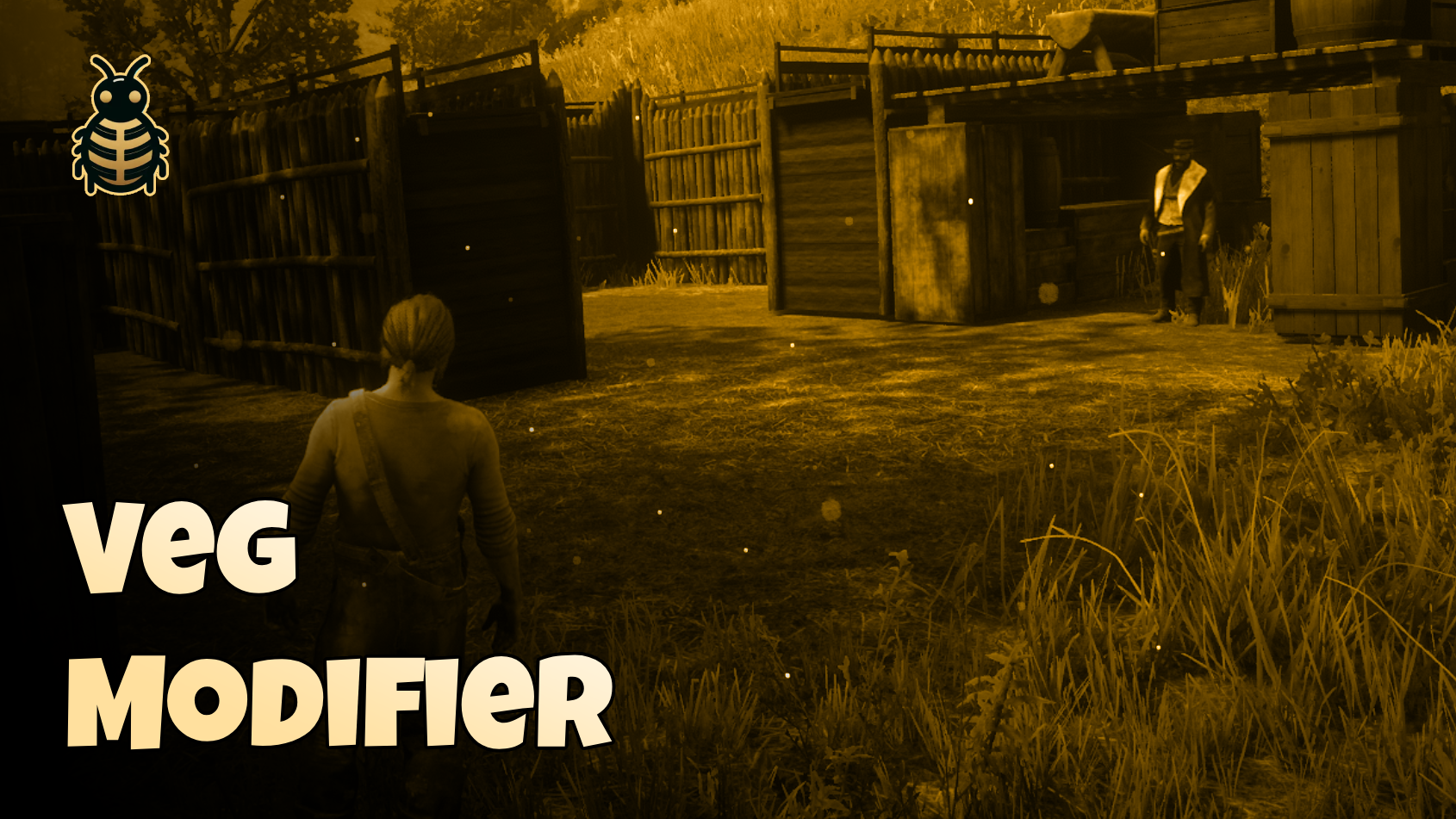
A powerful tool designed to modify in-game vegetation with ease. Whether you want to clear out areas by removing grass, debris, bushes, and rocks, or flatten the landscape for better visuals and gameplay, this script gives you full control.
✨ Features
With a wide range of static vegetation modification options, you can:
- 🧹 Remove or flatten vegetation types such as grass, debris, bushes, weeds, flowers, saplings, trees, rocks, and long grass
- 🔧 Choose from multiple modifier types including flattening, exploding, or pushing vegetation to fit your needs
Modifier Types
- Cull - Remove vegetation
- Flatten - Level the ground and remove vegetation
- Flatten Deep Surface - Deeper flattening effect
- Explode - Dramatically clear vegetation
- Push - Push vegetation out of the area
- Decal - Apply surface decals over vegetation
Supported Vegetation Types
Debris, Grass, Bushes, Weeds, Flowers, Saplings, Trees, Rocks, and more.
🛠️ Configuration
Basic Setup
lua
Config = {}

-- Distance to start veg modifier
-- Formula: distance + zone radius = total effect range
-- Example: 5.0 (distance) + 15.0 (zone radius) = 20.0 total
Config.distance = 5.0

-- Define your zones
Config.zones = {
    {
        key = "CampArea",                    -- Unique identifier
        position = vector3(-366.35, 807.82, 115.95),
        radius = 10.0,                        -- Zone radius
        flags = FLAGS.All,                    -- What to remove (see below)
        type = TYPES.VMT_Cull                 -- How to modify (recommended)
    },
    {
        key = "TradingPost",
        position = vector3(-5485.28, -3266.24, -21.15),
        radius = 150.0,
        flags = FLAGS.All,
        type = TYPES.VMT_Cull
    }
}
Configuration Options
| Option | Type | Description |
|---|---|---|
key | string | Unique identifier for the zone |
position | vector3 | Center coordinates of the zone |
radius | float | Radius of the affected area |
flags | table/number | Vegetation types to modify (see Flags below) |
type | number | Modification type (see Types below) |
Vegetation Flags
lua
FLAGS = {
    All = {1,2,4,8,16,32,64,128,256},  -- All vegetation types
    Debris = 1,
    Grass = 2,
    Bush = 4,
    Weed = 8,
    Flower = 16,
    Sapling = 32,
    Tree = 64,
    Rock = 128,
    LongGrass = 256
}
Modification Types
lua
TYPES = {
    VMT_Cull = 1,                -- Remove vegetation (recommended)
    VMT_Flatten = 2,             -- Flatten and remove
    VMT_FlattenDeepSurface = 4,  -- Deep flattening
    VMT_Explode = 8,             -- Dramatic clearing
    VMT_Push = 16,               -- Push vegetation away
    VMT_Decal = 32               -- Apply decals
}
🔧 Advanced Usage
Using Specific Vegetation Types
To target specific vegetation instead of all types:
lua
{
    key = "PathwayClearing",
    position = vector3(100.0, 200.0, 50.0),
    radius = 5.0,
    flags = FLAGS.Grass,          -- Only remove grass
    type = TYPES.VMT_Cull
}
Or combine multiple types:
lua
{
    key = "CampSite",
    position = vector3(100.0, 200.0, 50.0),
    radius = 8.0,
    flags = {FLAGS.Grass, FLAGS.Bush, FLAGS.Weed},  -- Multiple types
    type = TYPES.VMT_Cull
}
Export for Other Resources
You can create zones dynamically from other scripts:
lua
-- From another resource
exports.bln_veg_modifier:CreateZone({
    key = "DynamicZone",
    position = vector3(476.72, 477.51, 109.97),
    radius = 5.0,
    flags = FLAGS.All,
    type = TYPES.VMT_Cull
})
🎯 Common Use Cases
- 🏕️ Camp Sites - Clear areas for player camps
- 🏗️ Building Plots - Prepare terrain for construction
- 🛤️ Pathways - Create clear walking paths
- 🎪 Event Areas - Set up clear spaces for server events
- 🏰 Hideouts - Prepare secret locations
⚙️ Installation
- Extract to your resources folder
- Add
ensure bln_veg_modifierto yourserver.cfg - Configure zones in
config.lua - Restart your server
💡 Tips
- Recommended Type:
VMT_Cullworks best for most situations - Distance Formula:
Config.distance + zone radius = total effect range - Performance: Smaller zones with specific flags perform better than large zones with all flags
- Testing: Start with small radius values and increase as needed
🤝 Support
Need help? Have questions? Join our Discord server for support and updates!
- 💬 Discord: Join Our Community
- 🎮 Live support and community help
- 🔄 Regular updates and improvements
Built with ❤️ by BLN Studio