
🚂 BLN Ghost Train
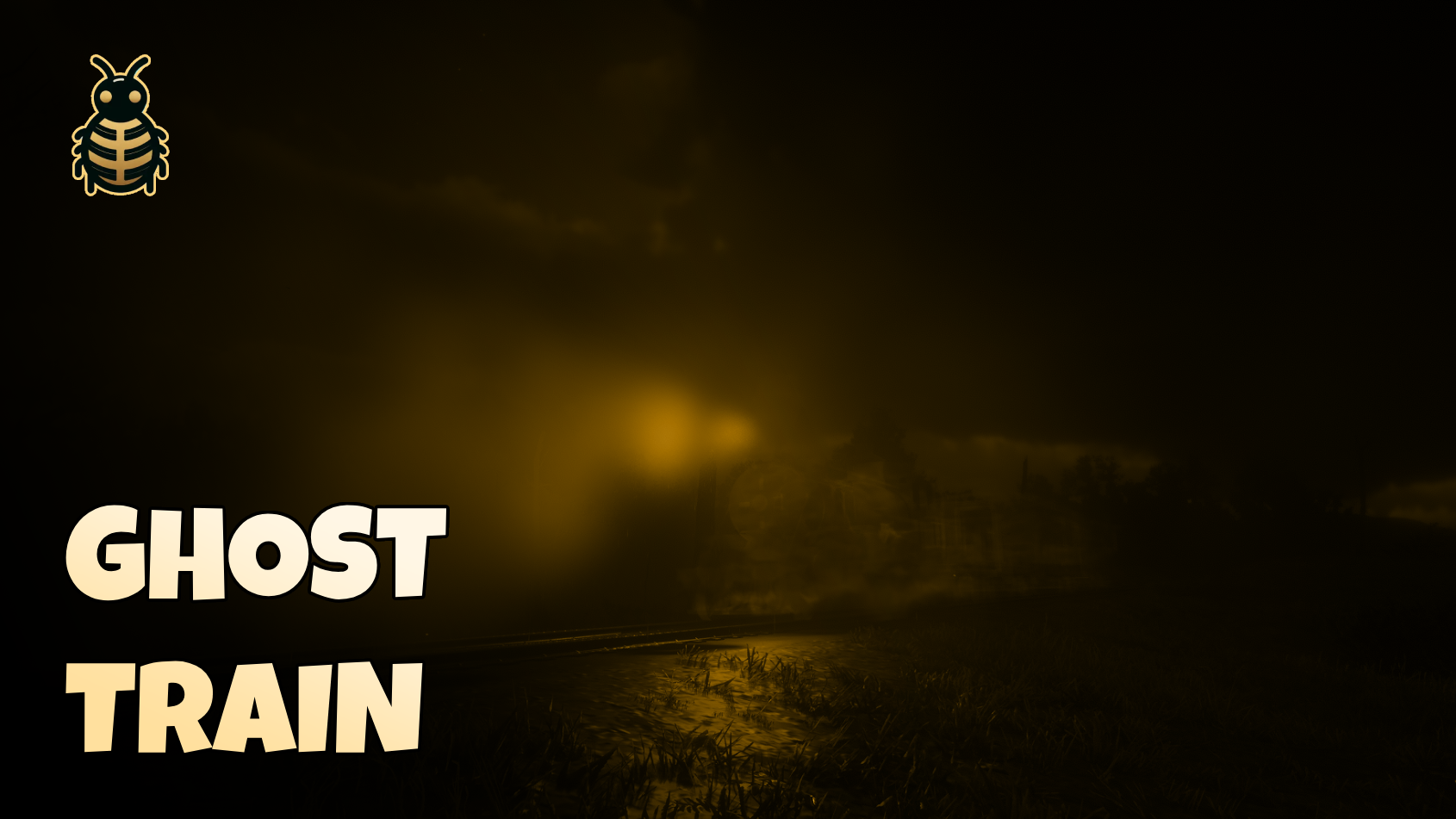
📺 Preview
💰 Buy Now
Enhance your RedM server with a mysterious and ethereal Ghost Train experience! Create unforgettable supernatural moments and special events with this unique, immersive script.
✨ Features
- 🚂 Spawn a semi-transparent, non-colliding ghost train - Perfect for supernatural events and storytelling
- 👻 Invisible driver mechanic - Adds to the mysterious, immersive gameplay experience
- 🎮 Simple controls - Use W/S keys to control speed and direction effortlessly
- 🌐 Full network synchronization - Works seamlessly across all players in multiplayer
- 🔒 Customizable permission system - Flexible access control for admin/event management
- 💫 Smooth transitions - Screen fades when spawning/despawning for polished experience
- ⚙️ Easy configuration - Simple config file for server customization
- ⚡ Highly optimized - 0.0 resmon impact when idle! Minimal performance footprint
Elevate your server's atmosphere with this unique, engaging, and performance-friendly Ghost Train script!
📋 Dependencies
This script is standalone and doesn't require any dependencies!
⚙️ Installation
- Download the latest release
- Extract the files to your server's resource folder:
resources/[BLN]/bln_ghost_train - Add
ensure bln_ghost_trainto yourserver.cfg - Configure the settings in
config.luato your liking (optional) - Configure permissions in
c/permission.luaif needed - Restart your server
🛠️ Configuration
The configuration is simple and straightforward:
Config = {}
Config.Debug = true -- Enable debug mode for troubleshooting
Config.Command = "gt" -- Change this to your preferred command name
Configuration Options
| Option | Type | Default | Description |
|---|---|---|---|
Debug | boolean | true | Enable debug mode for troubleshooting and console messages |
Command | string | "gt" | The command name to spawn/control the ghost train |
🔒 Permission System
The script includes a customizable permission system that you can modify to fit your server's needs:
-- File: c/permission.lua

-- Here you can add your own custom permissions to the command.
-- Default: Anyone can use the command.
function HasPermission()
    -- Your logic here. example: Job lock, server permissions, etc.
    return true
end
Permission Examples
Example 1: Admin Only
function HasPermission()
    -- Check if player is admin (adjust based on your framework)
    local player = PlayerPedId()
    -- Example: Check player's server ID or ace permissions
    return IsPlayerAceAllowed(PlayerId(), "ghosttrain.use")
end
Example 2: Job-Based (VORP Example)
function HasPermission()
    -- Example for VORP Core
    local Core = exports.vorp_core:GetCore()
    local User = Core.getUser(source)
    local Character = User.getUsedCharacter
    local job = Character.job

    -- Allow only sheriffs and admins
    return job == "sheriff" or job == "admin"
end
Example 3: Item-Based Permission
function HasPermission()
    -- Check if player has a specific item
    -- Adjust based on your inventory system
    local hasSpecialTicket = exports.your_inventory:HasItem("ghost_train_ticket")
    return hasSpecialTicket
end
🎮 Usage
Spawning the Ghost Train
Use the command to spawn the ghost train:
/gt(or whatever command you configured in
config.lua)Control the train using simple keyboard controls:
- W - Increase speed / Move forward
- S - Decrease speed / Move backward / Stop
Use the command again while in the train to despawn it
🤝 Support
Need help? Have questions? Join our Discord server for support and updates!
- 💬 Discord: Join Here
- 🎮 Live support and community help
- 🔄 Regular updates and improvements
- 📚 Additional resources and guides
Create unforgettable supernatural moments on your RedM server with BLN Ghost Train! 🚂👻