
👤 BLN Player Name
🔽 Get it Now
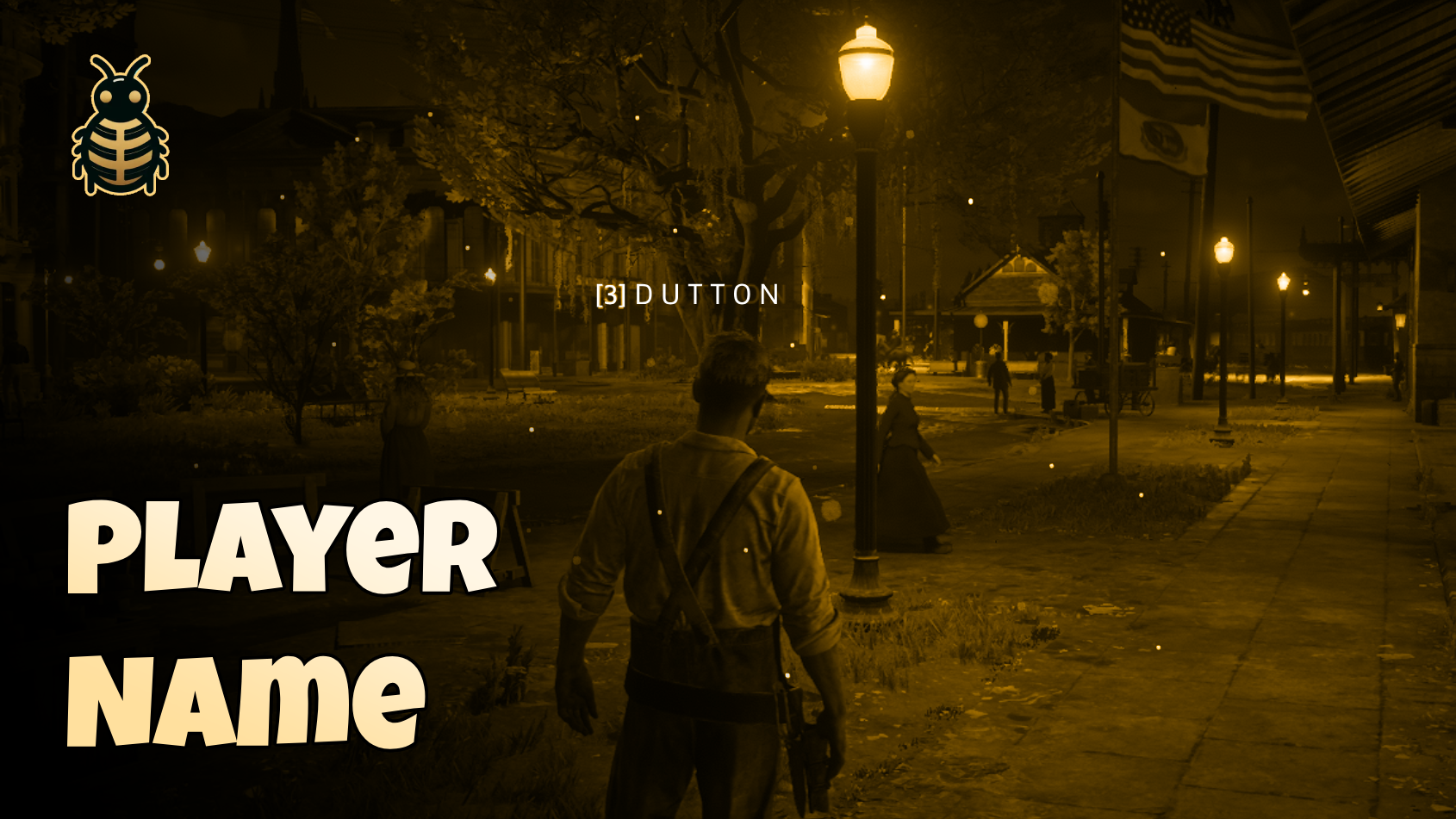
Allow players to easily view other players' names and IDs in-game. Enhance interaction and identification on your server with this essential tool, designed to improve roleplay experiences and simplify communication.
✨ Features
- 👥 Display Player Names - Instantly shows other players' in-game names
- 🔢 Display Player IDs - Helps with identification by displaying unique player IDs
- 📏 Customizable Display Range - Configure the distance within which player names and IDs are visible
- 🎮 Toggleable UI - Players can toggle name display on or off to suit their needs, keeping the UI clean when desired
- ⚡ Optimized for Performance - Lightweight and efficient, ensuring minimal impact on server performance
This script is perfect for servers that value clear and effective communication between players, offering a seamless way to identify and interact with others in the world.
🛠️ Configuration
lua
Config = {
    enabled = true,              -- Enable Player Names
    key = 0x8CC9CD42,            -- Key to show player names (X key by default)
    showId = true,               -- Enable or Disable showing player id
    showName = true,             -- Enable or Disable showing player name
    closestPlayersDistance = 5.0 -- Distance to show closest players' name
}
Configuration Options
| Option | Type | Default | Description |
|---|---|---|---|
enabled | boolean | true | Enable or disable the entire system |
key | hex | 0x8CC9CD42 | Key to hold to show player names (X key) |
showId | boolean | true | Show player server IDs |
showName | boolean | true | Show player names |
closestPlayersDistance | float | 5.0 | Maximum distance to display names (in meters) |
🎮 Usage
- Hold the configured key (default: X key) to view nearby players' information
- Player names and IDs will appear above their characters
- Release the key to hide the information
Custom Player Name Integration
The script includes support for custom player name functions. Edit custom.lua to integrate with your framework:
lua
-- File: custom.lua
function CustomPlayerName(player)
    -- Add your custom logic here
    -- Example: Return character name from your framework
    -- return Framework.GetCharacterName(player)

    return false -- Return false to use default player name
end
🤝 Support
Need help? Have questions? Join our Discord server for support and updates!
- 💬 Discord: Join Our Community
- 🎮 Live support and community help
- 🔄 Regular updates and improvements
Built with ❤️ by BLN Studio